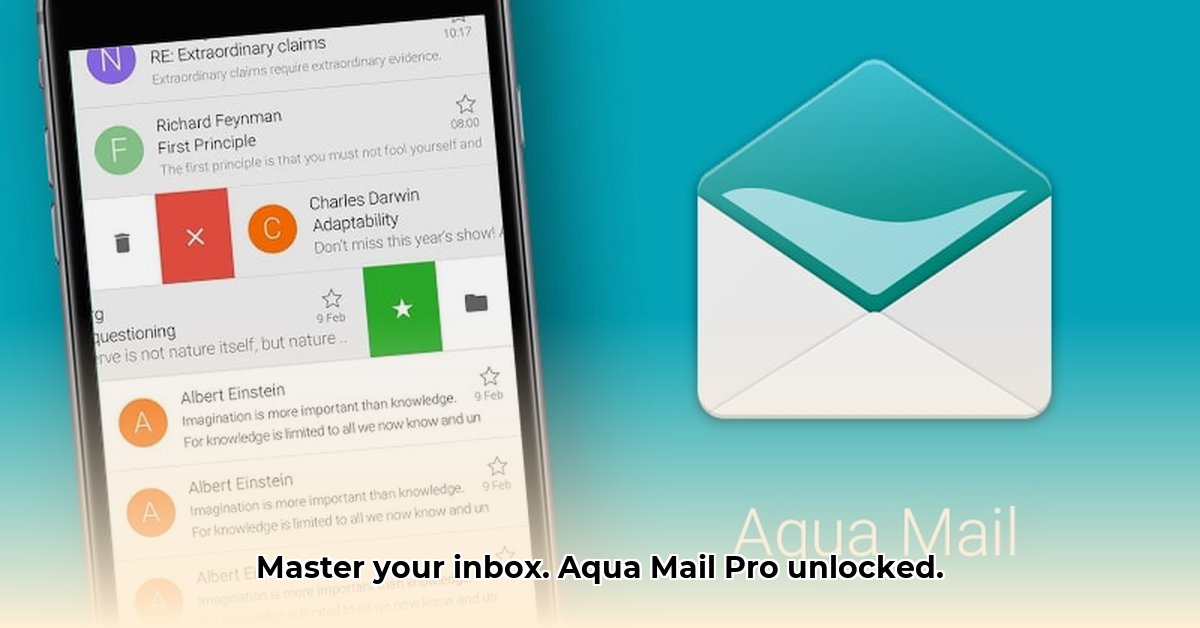
Tired of juggling multiple email accounts and wishing for a more personalized Android email experience? Aqua Mail Pro might be the solution you've been searching for. This in-depth review delves into this powerful email application, exploring its extensive feature set, robust security measures, and user experience to determine if it lives up to the hype. We'll also compare it to popular alternatives like Gmail and Outlook, ultimately helping you decide if Aqua Mail Pro is the right choice for your needs.
Aqua Mail Pro's Extensive Feature Set: A Deep Dive
Aqua Mail Pro isn't your average email app. Boasting over 300 features, it offers a level of customization and control rarely seen in competing email clients. This breadth of functionality, however, might initially appear overwhelming to some users. However, the app's well-organized interface makes surprisingly easy to navigate its many capabilities. Think of it as a Swiss Army knife for your email – a powerful tool with many uses, yet requiring some learning to master.
Let's break down some key feature categories:
- Account Management: Seamlessly manage numerous accounts from various providers (Gmail, Yahoo, Outlook, etc.) with unified inbox functionality.
- Security and Privacy: Robust encryption options and a strict policy of never storing passwords or emails on their servers, ensuring your data remains private. This commitment extends to full compliance with GDPR and CCPA regulations.
- Customization: Highly adaptable themes, widgets for quick access, and precise notification control allow you to tailor the app to your preferences.
- Third-Party Integrations: Effortless syncing with calendars and integration with task management apps like Tasker for enhanced productivity.
While the sheer number of features might seem daunting at first, Aqua Mail Pro's intuitive interface and comprehensive documentation help users navigate this abundance of choices.
Security and Privacy: A Priority for Aqua Mail Pro
Data security is paramount in today's digital world, and Aqua Mail Pro takes this seriously. The app's commitment to user privacy is evident in its strict policy of never storing passwords or email content on its servers. This proactive approach greatly minimizes the risk of data breaches, a crucial differentiator in a market where user data is often vulnerable. Its compliance with GDPR and CCPA further reinforces its dedication to responsible data handling. This commitment to security is a key strength, setting it apart from many competitors.
User Experience: Power Meets Usability
While Aqua Mail Pro's extensive feature set is a major strength, it also presents a potential challenge: the learning curve. Less tech-savvy users may initially find the sheer number of options overwhelming. However, the app's well-organized interface and comprehensive documentation mitigate this issue, guiding users through the setup and customization processes. The initial investment in learning pays off with a highly personalized and efficient email management experience.
Does Aqua Mail Pro cater to all users? While its power is undeniable, the extensive feature set may not be necessary—or even desirable—for casual email users.
Performance and Reliability: Smooth and Consistent
Based on user reviews and anecdotal evidence, Aqua Mail Pro generally offers smooth performance and reliable push notifications. While performance may vary slightly depending on the device and network conditions, the app's overall stability and responsiveness are consistently praised by its user base. This reliable performance is crucial for an email application and contributes to a positive user experience.
Pricing and Value: A Freemium Model That Delivers
Aqua Mail Pro employs a freemium model. The free version provides a functional email client, but upgrading to the Pro version unlocks the full potential of its 300+ features. The value proposition of the Pro version is clear for users who desire extensive customization, robust security features, and the ability to manage numerous accounts with granular control. For casual users, the free version may suffice, but power users will find the Pro version indispensable.
Aqua Mail Pro vs. the Competition: Gmail, Outlook, and More
Compared to integrated email clients like Gmail or Outlook, Aqua Mail Pro distinguishes itself through its unmatched customization options and more granular control over security settings. While integrated clients offer convenient ecosystem integration, Aqua Mail Pro prioritizes flexibility and user control. The choice between them depends on the user's priorities; convenience versus customization.
Conclusion: A Powerful Email Client for Discerning Users
Aqua Mail Pro is a powerful email management application, but it's not for everyone. Its strength lies in its extensive customization options, robust security features, and commitment to user privacy. If you value granular control over your email experience and prioritize security, Aqua Mail Pro deserves serious consideration. However, if you prefer a simpler, less complex email client, alternatives might better suit your needs. Ultimately, the decision hinges on your individual preferences and priorities.
⭐⭐⭐⭐☆ (4.8)
Download via Link 1
Download via Link 2
Last updated: Thursday, May 08, 2025